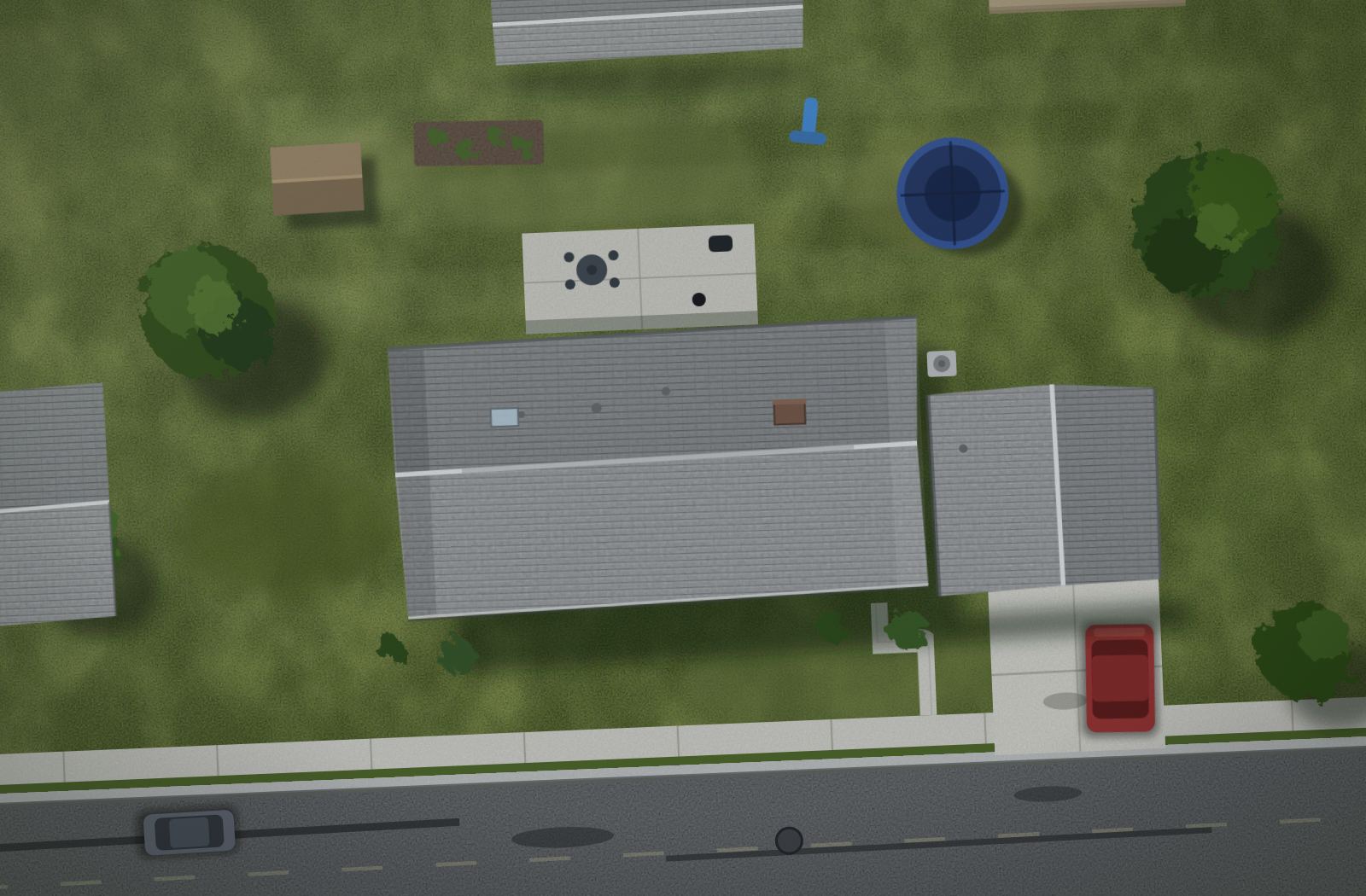
Fenceworks is fence quoting and estimating software that answers the phone while you're setting posts, measures the yard from satellite, sends a quote they can sign and pay on their phone, then chases it until they say yes. The crew gets the packet. You build fences.
That's the real thing, not a picture. Scroll it, click around. Nothing you do here is saved.
Three places a fence company leaks money. Fenceworks plugs all three.
1
The call you didn't pick up
Every missed call gets a text within seconds, in your company's voice. The AI asks the right questions, measures from satellite, gives a range, and books the estimate onto your calendar. Repairs, new fences, "just curious" — all handled.
Missed call · 2:14 PM
Hey, this is Kodiak Built — sorry we missed you. New fence or a repair?
New fence, backyard
Estimate booked · Tue 4:00
One saved call a month pays for the software several times over.
2
The quote that took three days
Quote in the driveway. Fenceworks knows how you build — your post spacing, your gate hardware, your driven-vs-set method — and prices it your way. The homeowner gets a signable quote with good, better, best and a deposit button.
Good · 6' cedar$8,900
Better · 6' cedar, steel posts$9,800
Best · vinyl privacy$11,200
Sign & pay deposit
The first accurate, signable number usually wins the job.
3
The quote nobody chased
Every open quote gets a follow-up at day 1, 3, and 7 unless they've signed. Every finished job gets a review request. You never have to remember to do either.
Day 1 Day 3Day 7Signed
"Hi Maria — still thinking about the fence? The Tuesday slot is open if you want it."
Half of quotes go silent. Follow-up brings a slice of them back.
Free fence estimating software quotes the job. Fenceworks closes it.
There are free estimating apps now. They're fine for the math. Here's what they don't do.
Capability
Free estimating apps
Fenceworks
Estimating & sales
Satellite measurement
Yes
Yes
How the job gets priced
Average labor rates for your area
Your materials, your method, your margin
Instant estimate on your website
—No
Homeowner draws it, sees a price
Fence visualizer and 3D preview
—No
On the quote and the widget
Branded quote with e-signature
Some
One Sign & pay link
Online payments and deposits
—No
Stripe, into your account
Job packet and build sheet
Partly
Yes, from the signed quote
Leads
Answers your phone
—No
Yes, and texts back
Follows up on open quotes
—No
Automatically
Two-way texting and lead widget
—No
Yes, with consult booking
Lead Radar (permits, new builds)
—No
Claim leads from the feed
Jobs & crews
Work orders and scheduling
Partly
Yes, with crews and auto-schedule
Crew Mode, clock-in, job cost
Partly
Yes, with GPS time on every job
Customer portal and financing
—No
Quote, photos, change orders, payments in one link
Change orders
—No
Photo, approval, updated invoice; production holds until it's handled
Material lists and supplier orders
—No
Per-supplier lists, purchase orders, inventory
AI & automation
Automations
—No
26 in the library, review and referral asks included
Know your numbers
Estimated vs. actual on every job
—No
Clocked hours, margin, Business Health
Budget & Cash, shop TV
—No
Yes
Permit check
—No
Yes (WI, beta)
Marketing & integrations
Printed marketing you can order
—No
13-piece kit, branded to you
QuickBooks Online, Google Calendar
Varies
Synced
Who the software works for
The app, and the homeowners it's collecting
You
Every feature, plan by plan, is on the pricing page.
Your evenings back.
Once a quote is signed, nothing gets retyped. The job carries itself from the driveway to the deposit in your bank.
Every cell opens that screen from the sandbox, live. The same sample job all the way down.
Marketing that shows up in a box.
Set your logo, phone, and city once. Every piece in the kit rebrands itself. Door hangers for the subdivision you're working, a yard sign for the job, a referral sheet for the customer, a financing flyer for the estimate. Every QR is tracked so you know which piece brought the lead. Order it printed from the same screen.
The actual template, not a picture. Your logo, phone, and city bind into every piece the same way. Export at 300 or 600 dpi, or add it to a print order.
Show the fence before it exists.
A 3D model of the fence on their property, a drawing the crew can build from, and a chat that answers questions about your own business — which jobs are open, what a 6' cedar section costs you this month, who hasn't paid.
247 ft · 6' cedar privacy · 1 gateLayout → materials → quote, on the lot itself.
Built by a guy who sets posts.
Fenceworks runs Kodiak Built, a vinyl fence company in northeast Wisconsin. Every feature exists because it fixed a problem on a real job first. That's also the company in the demo. If something in the sandbox looks wrong for how you build, it's a setting, not a limit.
Start free. Upgrade when you're ready.
Every paid plan starts with a 14-day free trial — no contracts, no setup fees, cancel anytime. Lock in 50% off forever with founder pricing — only 19 founder seats left.
Free for 14 days. Cancel before it ends and you're never charged.
Every plan includes the satellite estimator. Prices in USD, billed monthly. Add-on seats are $5/seat/mo on any paid plan; credit packs top up texting and AI usage when you need more. Every feature, plan by plan →
Questions
Do I have to talk to a salesperson?
No. The demo is self-serve and so is signup. If you want a human to walk you through it, there's a button for that on the contact page, but it's yours to press.
My pricing is different from everyone else's. Will it fit?
That's the point. You set your styles, post spacing, gate hardware, labor, and markup. Fenceworks prices your way and shows you why it counted every post, so you can change the assumptions.
Does the AI sound like a robot on the phone?
You'll hear it in the demo. It uses your company name, asks the questions you'd ask, and hands off to you the moment it should. It never quotes a firm price, only a range you've approved.
I'm on Jobber or a free app. Can I move my customers?
Yes. Import customers, jobs and your price book from a CSV export (Jobber, Housecall Pro, QuickBooks or a spreadsheet) with column mapping, a preview and undo. Or send us the files and we'll do it for you, free.
Who prints the marketing kit?
You can export print-ready files and use any printer, or order from inside Fenceworks and it ships to you.
Ten minutes in the sandbox beats an hour on a sales call.